Your architectural projects, in 3D on any screen
Open IFC exports from Revit without plugins, along with SketchUp (3DS or DAE), Rhino, glTF and OBJ models. Walk through your design in its real surroundings, present it to your client and receive comments on the model. Free, with an optional account and nothing to install.
The viewer interface is in Spanish; English coming soon
Start with your model
Open IFC exports from Revit, plus 3DS, DAE, 3DM, glTF, OBJ, DXF and more. Available colors, floors and properties depend on the file. For formats without units, the viewer suggests a scale for you to confirm or adjust.
Your site in context
Place your project on satellite imagery, with 3D trees positioned where canopies are detected. Bring in buildings, streets and parks from OpenStreetMap and simulate the local sun. Coverage and tree detection depend on the available data.
Walk through or fly over
Explore at eye level with familiar game controls, or fly over the project with drone controls. Gamepads work too.
Present to your client
A clean presentation mode with saved views, walkthroughs and full screen, credited to you or your practice. Record the walkthrough as a video to send through WhatsApp.
Comments pinned to the model
Your client selects a point on the building, writes a comment and sends it to you in a link. Open it to view comments pinned to the 3D model, without accounts or long email threads.
Photorealistic images
Choose midday, sunset or dusk in one click. Try white-model and line styles for views and screenshots. Create a ray-traced render or an AI image, then slide the before-and-after comparison to review it against the original view.
Drawings and quantities
Floor plans, elevations and dimensioned sections in DXF and SVG, plus quantity schedules ready for Excel.
About the DRB Studio viewer
DRB Studio is a free browser-based viewer for architects and practices. Open 3D models from Revit (IFC), SketchUp (3DS or DAE), Rhino (3DM), AutoCAD (DXF) and other tools. Save them on your device, present them to clients, walk through spaces, take measurements, and export drawings and images. No installation or account is needed.
Optional Google sign-in. You can create a DRB Studio account with your email or “Continuar con Google” (Continue with Google). Google provides only your name, email and account identifier, used to sign you in and increase your daily AI render allowance. We do not request access to Drive, Gmail or other data, sell that information, or use it for advertising. See the privacy notice.
Real projects to explore
Explore DRB Studio projects and open sample models as your client would: open a model, walk through it and see its surroundings.
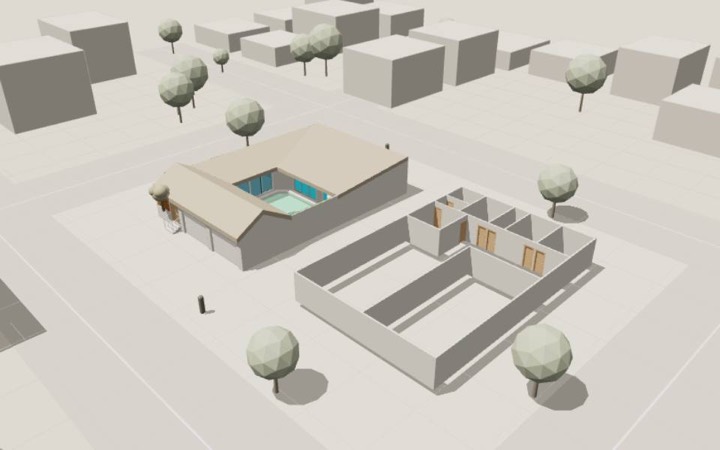 HouseResidential · Revit
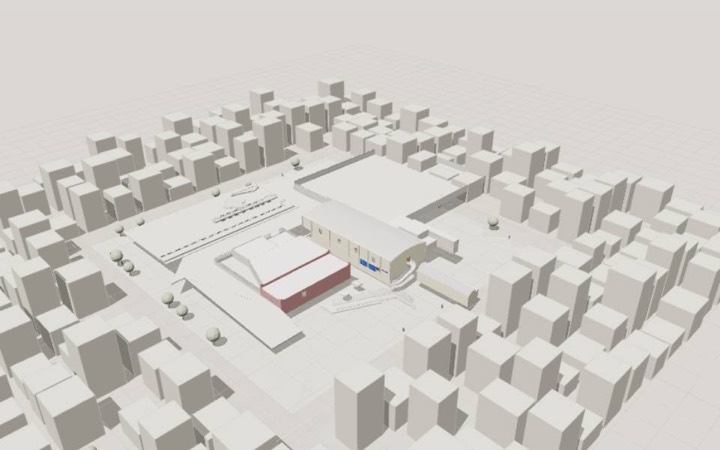 Municipal auditorium renovationCivic building · Revit
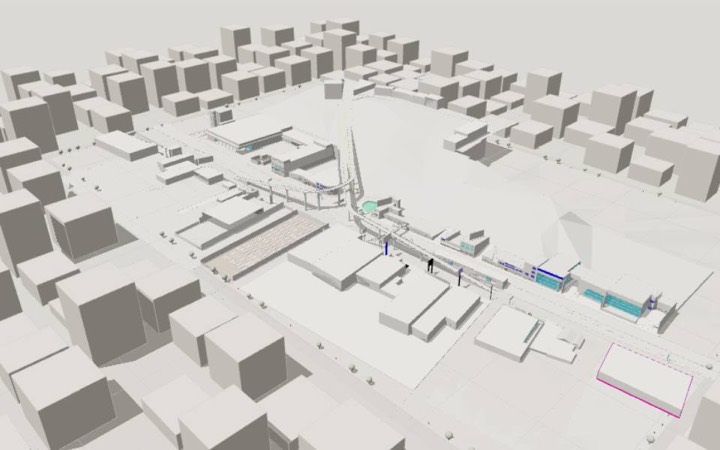 Road bridgeInfrastructure · Revit
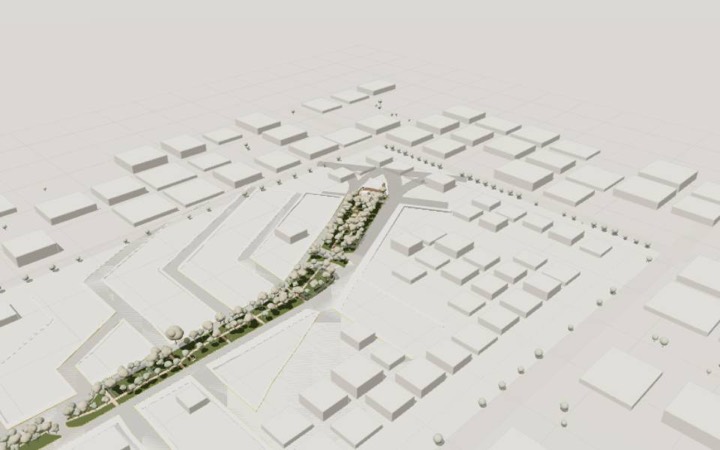 Streetscape renewalPublic space · Revit
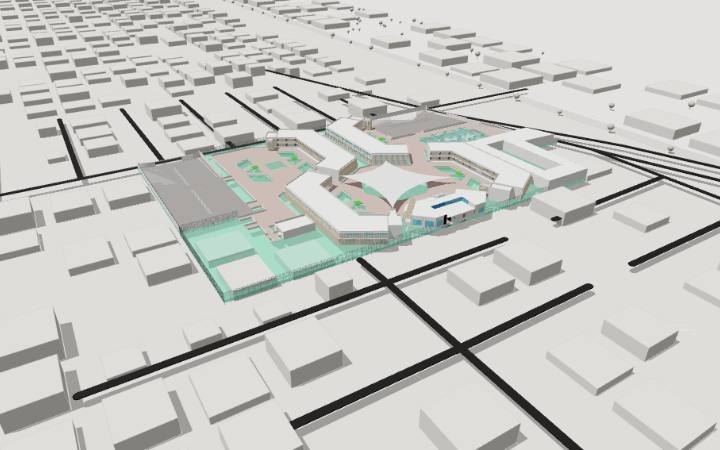 Final project · Integrales 2University project · Revit
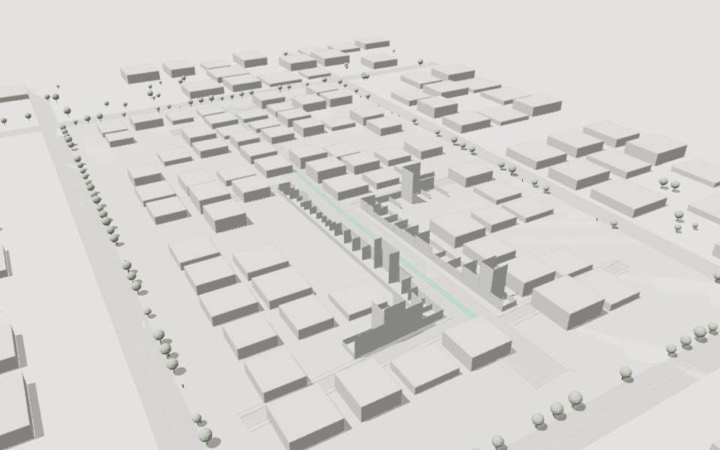 Section 3 · DUA IIUrban design · Revit (IFC4X3)
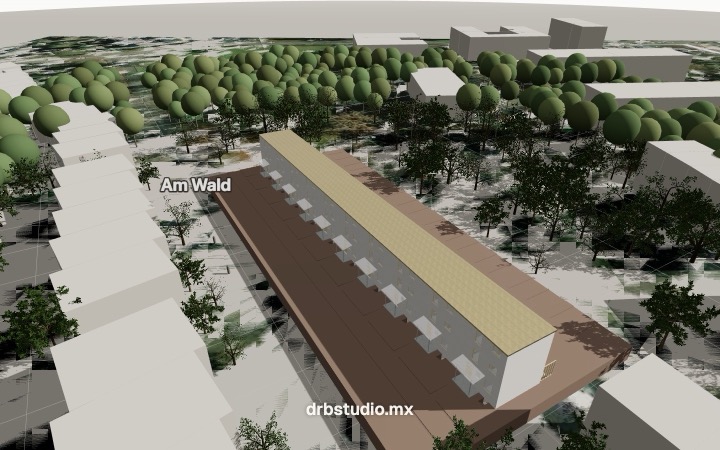 Housing · Smiley WestIFC sample · IAI / KIT
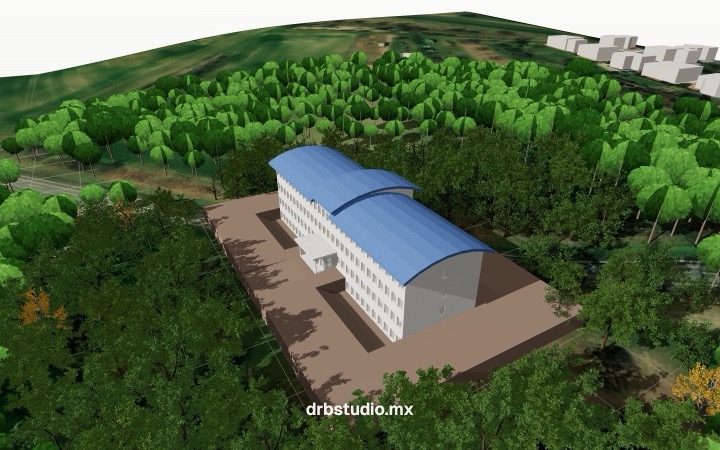 Office building · InstituteIFC sample · IAI / KIT
Smiley West and Institute are freely available sample models from the Institute for Automation and Applied Informatics (IAI) / Karlsruhe Institute of Technology (KIT).
Frequently asked questions
Is it free?
Yes. You can open and present your project for free, without an account. Creating an account with email or Google is optional.
Are my files uploaded?
Models opened from your device are processed and saved locally in your browser. External AI and surrounding-area queries send the text, summaries, images, addresses or coordinates required by the feature. If you share a .drb package, you send it using your chosen service. See the privacy notice.
Which files can I open?
IFC (Revit, ArchiCAD), glTF/GLB, OBJ, 3DS and DAE (SketchUp), 3DM (Rhino), FBX, STL, STEP and AutoCAD DXF, as well as drawings in PDF, SVG or image formats. Step by step: how to open IFC online.
Can I open RVT or SKP directly?
No. Export Revit projects to IFC (File → Export → IFC), and SketchUp projects to 3DS or DAE. If you only have the native file, ask its author for an export. Revit to IFC guide.
Does it work on a phone?
Yes. Drag with your finger to orbit and use the on-screen joystick to walk through the model. A computer is better for very large models.
How do I present a project to my client?
Save your views, switch to “Presentación” (Presentation), and explore the design together during the meeting. To let your client revisit it, export a .drb package and send it through WhatsApp or email. They can open it by dragging it into the viewer.
Do I need an API key to use AI?
No key is needed to try DRB Studio AI. Availability and daily limits apply: 20 text requests and 3 images per person, estimated by IP address, plus a shared site allowance. A free DRB Studio account raises the daily limits to 60 text requests and 10 images. Select “IA” (AI) to open “Conexiones: IA y mapas” (Connections: AI and maps), where you can configure Gemini with your own key, or an OpenAI-compatible service with its URL, model and key if required.
Step-by-step guides: bring your model into the viewer and present it to your client
Guides
- Export Revit to IFC and view your model in a browser
- Open an IFC file online, free and without installing software
- Present your architectural project to a client in 3D
- AI rendering or ray tracing: which should you use?
- From SketchUp to the viewer: export and present your model
- Reduce the size of a Revit IFC before presenting it
- From Rhino to the viewer: prepare your model for a client
- From AutoCAD to the viewer: what you can present with DXF
- Present your project in its real-world 3D context
- IFC troubleshooting: scale, orientation and missing elements